
Yavqo smart glasses · Available to pre-order
Vision 1
AI smart glasses for everyday life. Capture, explore, work, and stay connected.
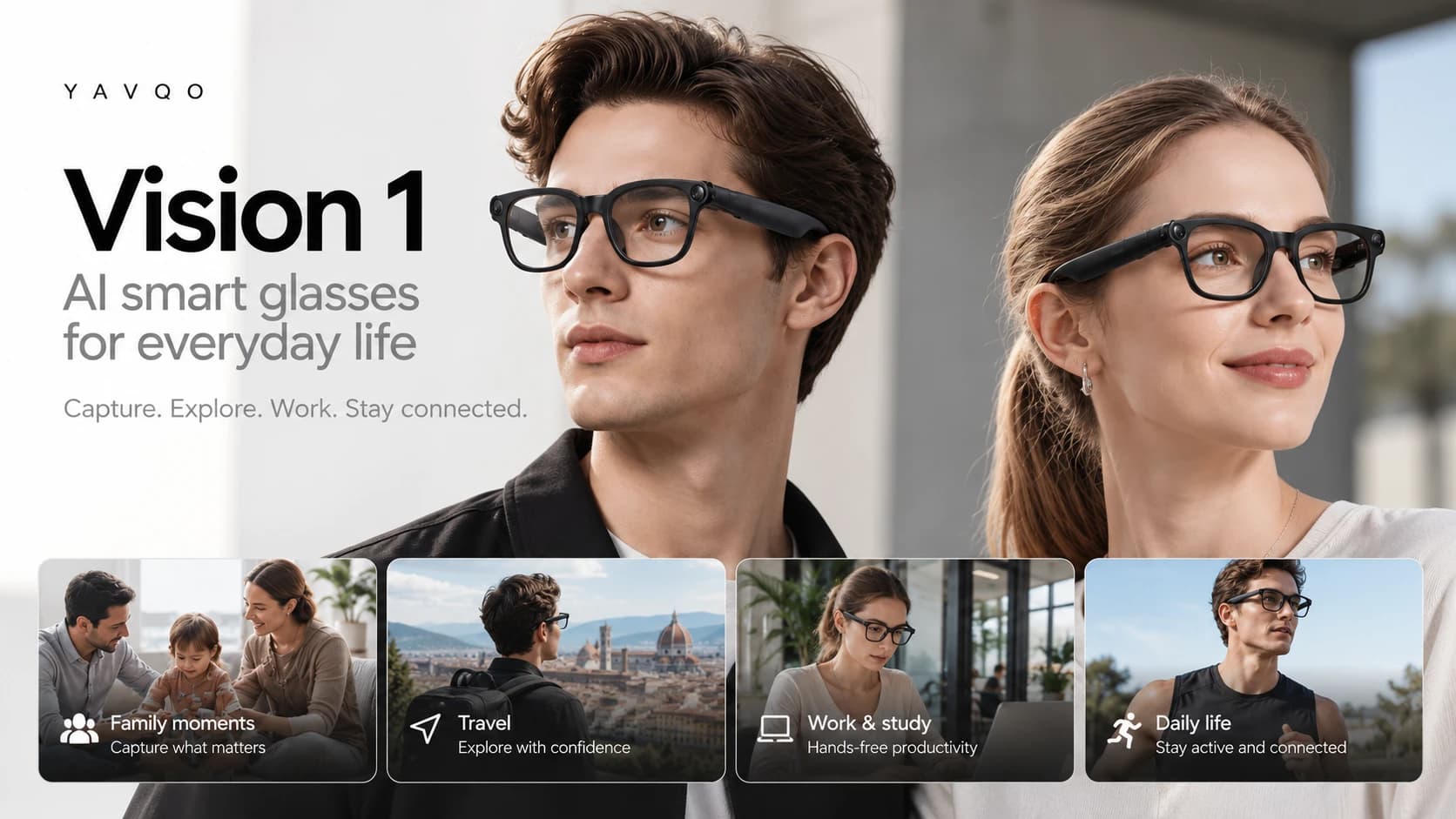
At a glance
Built for everyday life.
8MP camera
Capture photos and videos from your point of view.
AI voice assistant
Get help hands-free, without reaching for your phone.
Music
Listen on the go through open-ear audio.
Real-time translation
Communicate across languages.
Calls
Make and receive calls with built-in microphones.
Long battery life
Built for everyday use.
Overview
Everything you reach for your phone to do, a little closer.
Vision 1 puts a camera, an AI assistant, music, calls, and translation into a pair of everyday glasses, so the things you do most take a word or a tap instead of a screen.
AI assistant
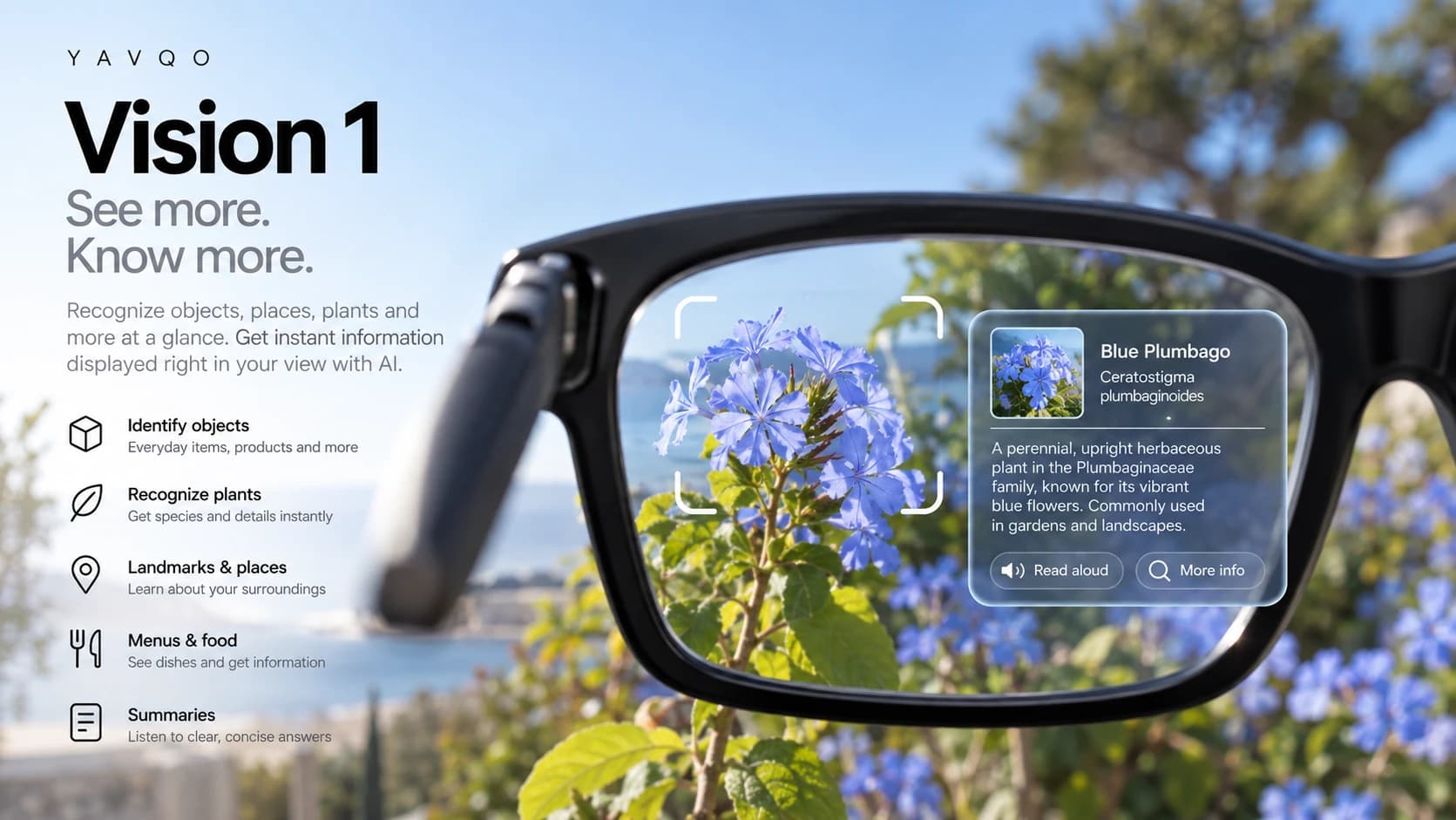
See more. Know more.
Ask about the objects, plants, places, and menus around you, and get clear answers without taking out your phone.
Identify objects
Everyday items, products, and more.
Recognize plants
Get species and details instantly.
Landmarks and places
Learn about your surroundings.
Menus and food
See dishes and get information.
Summaries
Listen to clear, concise answers.
Everyday life
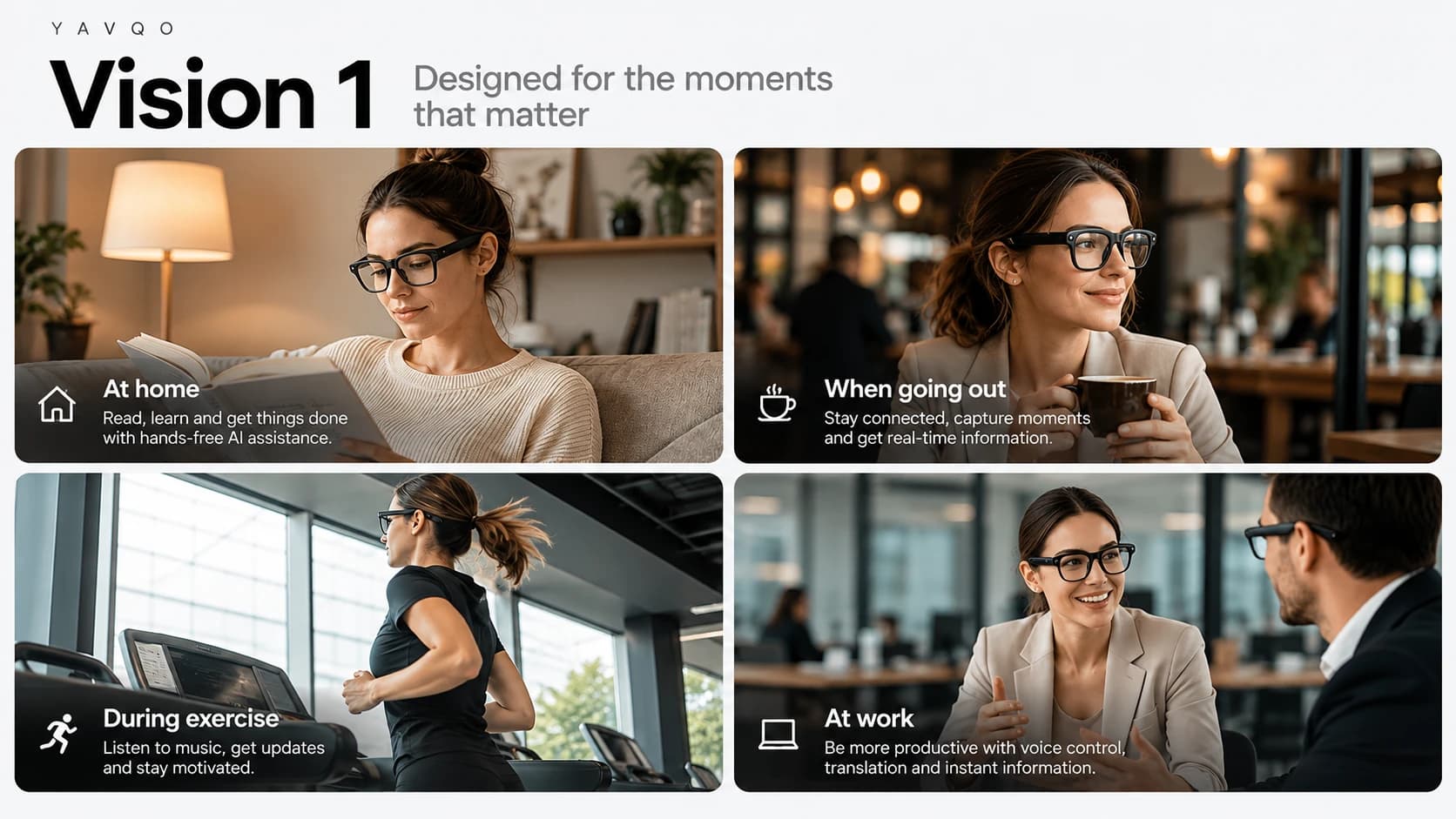
Designed for the moments that matter.
At home
Read, learn, and get things done with hands-free AI assistance.
When going out
Stay connected, capture moments, and get real-time information.
During exercise
Listen to music, get updates, and stay motivated.
At work
Be more productive with voice control, translation, and instant information.
Quick start
Everything at your fingertips.
Two buttons and a touch panel on the frame handle power, capture, calls, music, and your AI assistant.
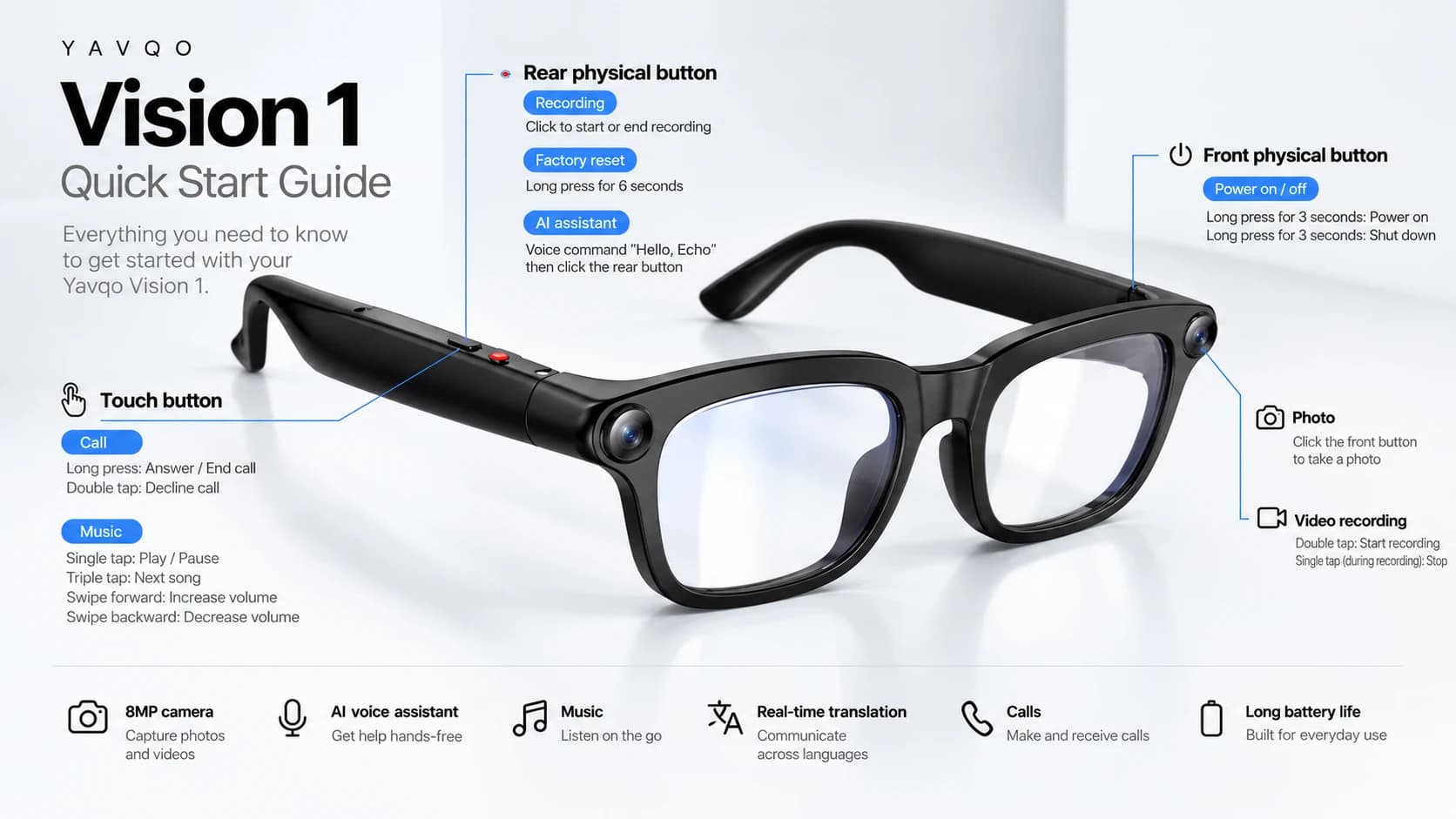
Front button
- Power on
- Long press for 3 seconds
- Power off
- Long press for 3 seconds
- Take a photo
- Click
- Start video
- Double tap
- Stop video
- Single tap while recording
Rear button
- Start or end recording
- Click
- AI assistant
- Say “Hello, Echo”, then click
- Factory reset
- Long press for 6 seconds
Touch panel
- Answer or end a call
- Long press
- Decline a call
- Double tap
- Play or pause
- Single tap
- Next song
- Triple tap
- Volume up
- Swipe forward
- Volume down
- Swipe backward
FAQ
Questions, answered.
Vision 1 combines an 8MP camera for photos and video, a hands-free AI voice assistant, music, calls, and real-time translation in a pair of everyday glasses.
Press and hold the front button for 3 seconds to power on, and hold it again for 3 seconds to shut down.
Click the front button to take a photo. Double tap it to start recording video, and single tap while recording to stop.
Select Pre-order on this page to continue to the Yavqo Store, where you can review the latest pricing and shipping details before you buy.
Vision 1 follows the same privacy principles as every Yavqo product. Read about them in the Yavqo Privacy Center and Trust Center.
Vision 1 is ready to pre-order.
Reserve yours on the Yavqo Store, or visit the Help Center if you have questions first.